How to Reset a Frigidaire Refrigerator Water Filter (Every Panel Type)

In short: press and hold the Water Filter / Filter Status button on the dispenser panel for 3–5 seconds until the display changes from “replace” to “good” (or the light goes out). Older PureSource models use a reset button you hold until the light flashes — up to 15 seconds. Gallery touchscreen models put the reset in a menu. That is the whole job on most Frigidaire fridges, and this page walks each panel type.
A note on why this page exists: search results for Frigidaire filter resets are dominated by paid Q&A sites and generic cross-brand lists — there is no dedicated, current guide ranked anywhere on page one. Consider this that guide.
Quick Answer

| Your Frigidaire | Reset method |
|---|---|
| Dispenser panel with Water Filter / Filter Status button | Press and hold 3–5 seconds — display flips from “replace” to “good” |
| Older PureSource with a small reset button (sometimes in the dispenser area) | Hold until the light flashes — can take up to 15 seconds |
| Gallery touchscreen | Menu → Filter → reset/filter status |
| No buttons respond | Breaker off 5 minutes, retry |
What the Indicator Is Telling You
Frigidaire’s filter status is a countdown, not a water test. The display’s “replace” state means the timer since the last reset hit its end — the fridge cannot taste chlorine or see sediment. Two corollaries:
- A new cartridge does not clear the display by itself on most models. The reset is a separate, manual step.
- A cleared display does not mean fresh carbon. If the light reset but the cartridge is old, the display is simply wrong. Replace-and-reset as one action; our schedule page keeps the dates honest.
Step-by-Step by Panel Type
Standard Dispenser Panel (Most Common)
- Replace the cartridge first.
- Find the Water Filter or Filter Status button on the dispenser panel.
- Press and hold 3–5 seconds. The display changes from “replace” (often red) to “good” (green) or the status light turns off.
- Release after the change, not before. The transition is the confirmation.
Older PureSource Models (Reset Button)
Earlier Frigidaire models — the PureSource and PureSource 2 era — use a dedicated reset control:
- Locate the reset button (frequently on the dispenser housing or beside the filter status light).
- Press and hold. This generation is slower to respond — up to 15 seconds before the light flashes acknowledgment.
- Watch for the flash, then release.
Fifteen seconds feels wrong the first time; you will be sure the button is dead around second eight. It is not. Keep holding.
Gallery Touchscreen Models
- Open the Menu on the dispenser touchscreen.
- Select Filter.
- Choose the reset/filter status option and confirm.
If the menu structure differs on your model year, look for the filter icon in the status bar — tapping it typically opens the same flow.
The Reset Won’t Stick: Four Causes (One Is Frigidaire-Specific)
- Hold too short. Especially on older PureSource models with the 15-second window — see above. On standard panels, 3–5 full seconds.
- The cartridge is not seated — the ULTRAWF trap. This one deserves bold text on any Frigidaire page: the ULTRAWF cartridge is physically longer than the WF3CB/PureSource 3 it can be confused with. A cartridge of the wrong length for your housing stops short, the interlock never closes, and the panel can refuse the reset because as far as it knows, no valid filter is installed. If the reset ignores you, pull the cartridge and check: correct part number for your model (read the old one before recycling it), fully clicked/rotated home, no protective cap left on. Then run the reset again. Wrong-length installs are also the top cause of Frigidaire filters getting stuck — a pricier problem than a reset.
- Panel frozen. Breaker off, 5 minutes, retry. Frozen panels display normally and ignore input.
- Wrong status being cleared. Some models show separate air-filter status (Frigidaire ships many fridges with both a water filter and an air filter). Make sure you are resetting the water filter indicator — the air filter has its own reset and its own alert. If your model has both, this is worth thirty seconds of label-reading before anything else.
Full cross-brand diagnostic: filter light stays on after replacement.
Which Cartridge Are You Resetting For?
Frigidaire’s cartridge line has five generations, and knowing yours is step zero of every filter task:
| Generation | Part family | Housing style | Era |
|---|---|---|---|
| PureSource | RC-series | Slide/push housing | 1990s–2000s |
| PureSource 2 | FC-100/FC-300 | Front cassette | 2000s |
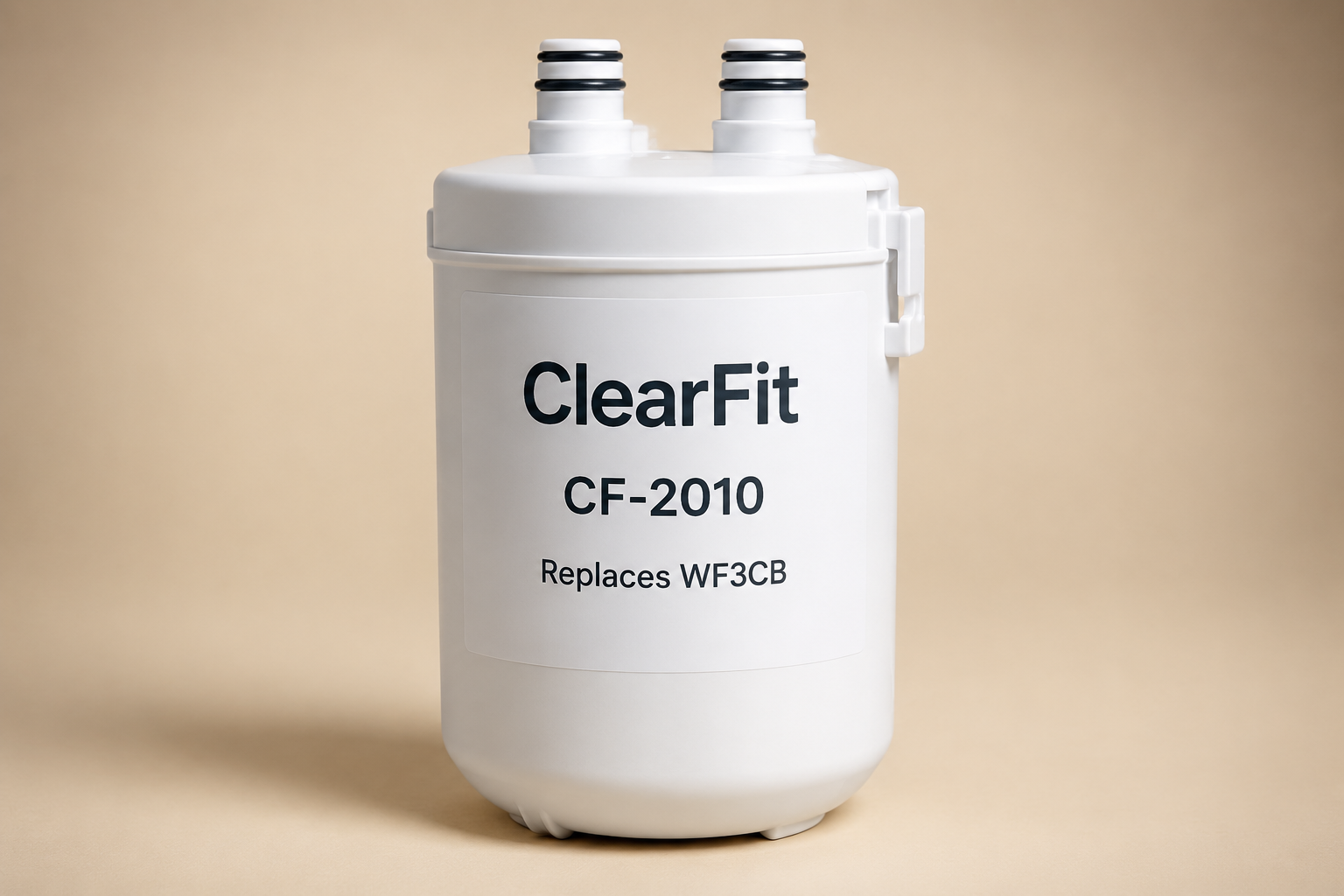
| PureSource 3 | WF3CB | Push-pull | 2010s |
| PureSource Ultra / Ultra II | ULTRAWF / EPTWFU01 | Push-pull (longer body) | 2010s–2020s |
| Current | PWF-1 | Push-pull | Current |

Two practical warnings. First, the ULTRAWF/WF3CB confusion from the reset section above — cross-check before buying. Second, Electrolux owns Frigidaire, and Electrolux-branded fridges share these cartridges and panels; an Electrolux owner can follow this page unchanged.
OEM singles run roughly $35–55 depending on generation; compatible cartridges cluster far lower, with certification tiers varying by SKU — standard compatibles typically carry NSF 42, premium tiers add NSF 53, and the OEM cartridge carries the fullest certification set. We state tiers per product rather than promising equivalence. The buying deep-dive, including which generations are still in production: How to Replace a Frigidaire Refrigerator Water Filter.
FAQ
Does replacing the filter reset the light automatically on Frigidaire? On most models, no — the hold (or menu reset) is required. A few newer models auto-detect; if yours cleared itself, done.
Why does the reset button take so long on my older Frigidaire? That generation’s design expects a long hold — up to 15 seconds with the light flashing at the end. It is working as built, not broken.
Can I leave the filter status light on if the water tastes fine? The light is a timer, so the water may well be fine — but an ignored light stays ignored, and the cartridge ages on. Either clear it properly or track dates on paper: printable schedule.
My Frigidaire has an air filter light too. Do I reset them together? Separate indicators, separate resets. Clearing one does not touch the other. The air filter (pure air cartridge) has its own replacement cycle — roughly six months as well.
The display still says replace after a new cartridge and a full reset. What now? Work the four causes above in order — the ULTRAWF seating issue is the most Frigidaire-specific one and shows up constantly in repair threads. If the panel also ignores temperature keys after a power cycle, the control board is the patient.
What This Page Gives You That the Others Don’t
- A dedicated Frigidaire reset guide at all — page-one results are currently generic lists and paid Q&A; this is the specific page the SERP is missing.
- The 15-second hold for legacy PureSource models, documented — the single most counterintuitive fact in this task.
- The ULTRAWF length trap explained as a reset-blocker, not just a stuck-filter cause — the crossover between cartridge generations and panel behavior nobody connects.
- The dual water/air filter indicator warning for models carrying both.
- Five-generation cartridge map so the reset page also answers “which filter do I even have.”
Sources & References
- Frigidaire/Electrolux support documentation for filter status behavior; dispenser-panel hold guidance per Frigidaire owner resources.
- Repair-community and technician Q&A consensus on the legacy reset-button hold time and Gallery touchscreen menu path, labeled as community evidence.
- Cartridge generation and dimension facts from Frigidaire product documentation; ULTRAWF/WF3CB length difference confirmed in our compatibility database.
Related Guides
- How to Replace a Frigidaire Refrigerator Water Filter
- Frigidaire Water Filter Bypass Plug
- Filter Light Stays On After Replacement — All Brands
- Refrigerator Water Filter Stuck? (All Brands)
- How Often to Change a Refrigerator Water Filter
Find your replacement: Frigidaire refrigerator water filters · ULTRAWF – exact-fit chart