Whirlpool Refrigerator Reset Button Location (Water Filter Light vs. Full Hard Reset)

In short: most Whirlpool refrigerators have no physical “reset button” at all — the water filter reset is a button combination on the dispenser panel (most often hold FILTER RESET, or hold LIGHT + ICE TYPE for 3 seconds), and the full-appliance hard reset is simply unplugging the fridge for 5 minutes. Which one you want depends on what is wrong, and this page starts by sorting that out — because searching “reset button” pulls up both answers mixed together, and using the wrong one wastes an afternoon.
That mixture is not your fault. The word “reset” covers three different jobs on a Whirlpool fridge, and most pages online pick one and pretend the others do not exist. Here are all three, separated.
Quick Answer: Which Reset Do You Need?

| Your symptom | The reset you need | Where it lives |
|---|---|---|
| Filter status light yellow/red after installing a new cartridge | Water filter reset (button sequence) | Dispenser control panel, or top controls inside the fresh-food compartment |
| Panel frozen, buttons dead, display garbled | Control board reboot (power cycle) | The fridge plug / circuit breaker |
| Fridge warm, compressor acting strange, after a power outage | Full hard reset (long power-down) | The fridge plug / circuit breaker, 5+ minutes |
If you came here after changing a filter, read the next section. If your fridge is misbehaving, skip to the hard-reset section — and note the boundary where a reset stops being the right tool at all.
Reset #1: The Water Filter Status Light
There is no dedicated physical reset button on most Whirlpool models. The reset is performed on the dispenser panel — the same surface as your water/ice buttons — using one of five official sequences, depending on panel generation:
- MAX COOL + MAX ICE together, 3 seconds (display counts down, icon flashes, tone sounds)
- Hold FILTER RESET until the light goes out
- Hold WATER FILTER 3 seconds (icon returns to blue)
- OPTIONS → FILTER RESET → MEASURED FILL
- LIGHT + ICE TYPE together, 3 seconds
Where the status light itself sits: on the dispenser panel near the water and ice buttons on most models, or inside the fresh-food compartment near the top controls on others. On a small number of models, the status resets automatically when a new filter is installed — if the light cleared itself, you own one and you are done.
Full walkthrough with per-panel detail: How to Reset a Whirlpool Refrigerator Water Filter. KitchenAid, Maytag, Amana, and JennAir owners: the same five sequences apply to your panels too.
Reset #2: The Control Panel Reboot (Frozen Panel)
When the display works but buttons do nothing, the panel needs a power cycle:
- Unplug the fridge or switch off its breaker.
- Wait 5 minutes — the goal is draining the control board completely, so do not shortcut this to 30 seconds.
- Restore power and wait for the panel to initialize.
- Retry whatever the panel was ignoring — including the filter reset sequence.
This is safe. It does not harm the compressor (modern fridges tolerate power loss; just avoid rapidly repeating it) and it clears the soft-freeze state that makes panels ignore input.
Reset #3: The Full Hard Reset (Fridge Misbehaving)
For warmth, erratic cooling, or post-outage weirdness, the procedure is the same plug-pull with a longer intent:
- Power down at the breaker, 5 minutes minimum.
- Power back on.
- Give the fridge 24 hours to stabilize before judging temperatures — compressors and cooling loops do not respond in minutes, and re-judging too early leads people to cycle power repeatedly, which is the one thing you should not do.
The honest boundary: if a hard reset fixes the problem but it returns within days, the reset is treating a symptom. A repeating freeze or cooling failure points to a control board, a thermistor, or a compressor start device — that is service territory, and no button sequence on earth will fix it. Community repair threads are full of owners who power-cycled monthly for a year; the board was failing the whole time.
Why “No Reset Button” Is the Actual Answer
Search results for this question are dominated by hard-reset guides and by filter-reset guides, mixed 50/50. The reason is structural: Whirlpool did not build a reset button. The two real mechanisms are:
- Button sequences on the dispenser panel for the filter timer (and for other subsystem timers, each with its own sequence), and
- Removing power for everything else.
Once you know that, “where is the reset button” becomes “which sequence do I run” or “how long do I unplug” — and both answers are above.
While You Are Here: The Cartridge the Light Was About
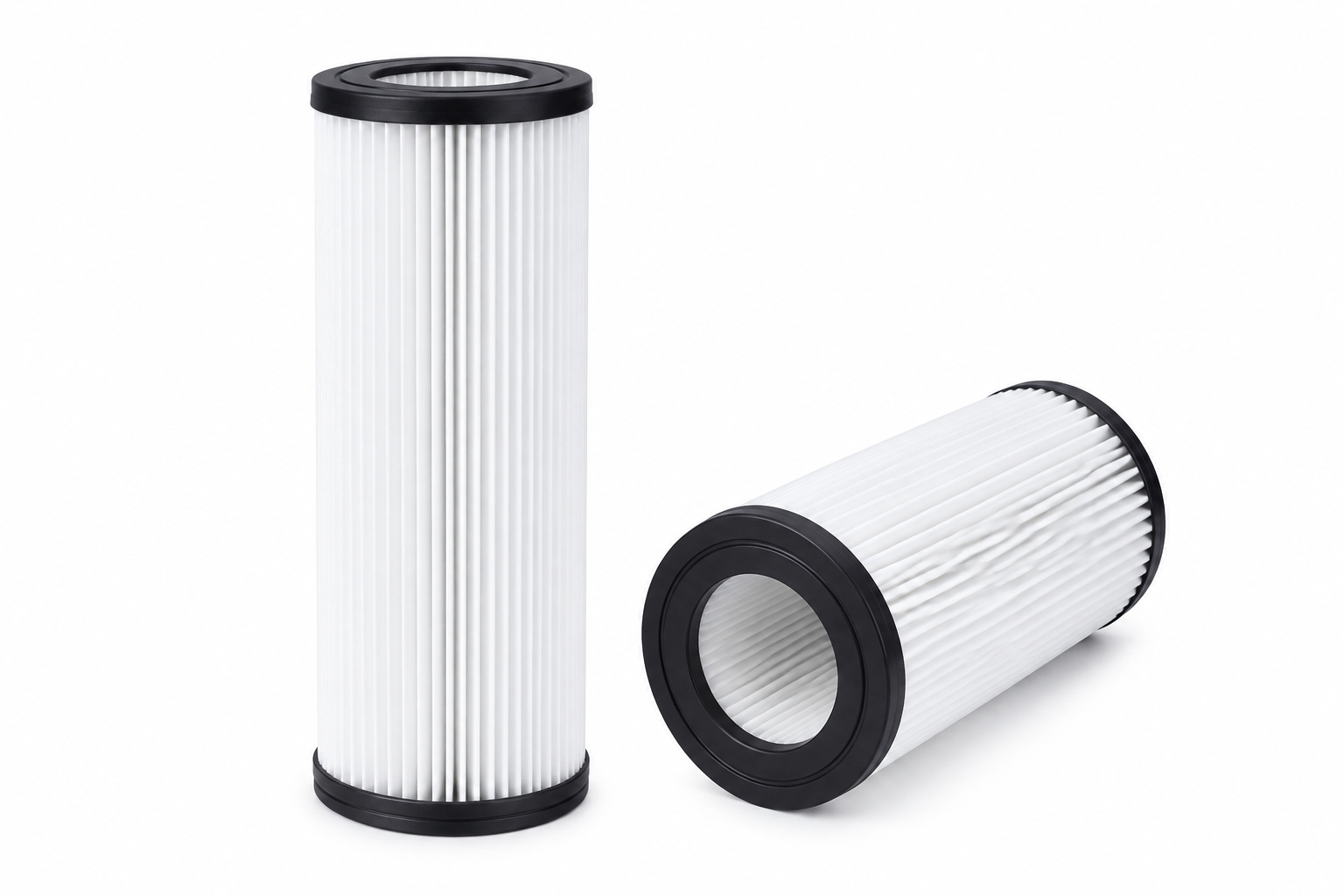
If the filter light sent you searching, the light is a six-month clock, and the cartridge is the recurring cost behind it. For the EveryDrop Filter 1 family (the most common in Whirlpool-family fridges):
| Option | Price | Per cartridge | Notes |
|---|---|---|---|
| Genuine EDR1RXD1 single (retail) | $59.99 | $59.99 | Home Depot / Amazon list price |
| Genuine single (whirlpool.com subscription) | $48.00 | $48.00 | 20% off, auto-delivery |
| Genuine 2-pack | $107.99 | $54.00 | Official line tops out here |
| ClearFit CF-1001 single | $17.99 | $17.99 | Compatible, NSF 42 |
| ClearFit CF-1001 3-pack | $44.99 | $14.99 | Compatible, NSF 42 |
| ClearFit CF-1001 6-pack | $80.94 | $13.49 | Compatible, NSF 42 |

Genuine Filter 1 is certified NSF 42, 53 & 401; ClearFit standard is NSF 42 and our premium CF-1001P adds NSF 53. We list the tiers because a filter purchase should be an informed one, not a logo contest. Identification help (which of Filter 1–6 your fridge takes): Whirlpool filter change guide.
FAQ
Where is the reset button on a Whirlpool French door fridge? On the dispenser panel where you select water/cube/crush — but as a button you hold (FILTER RESET, or LIGHT + ICE TYPE together), not a pinhole. See the five-sequence table above.
Does unplugging the fridge reset the filter light? No. Power-cycling reboots the panel but the filter timer persists. Only the button sequence clears the filter status.
I found a small button behind the base grille — what is it? On some models that is a door-switch or a service function, not a consumer reset. Do not press mystery buttons with the water system live; check the model’s manual first (Whirlpool Product Help hosts them by model number).
Will a hard reset delete my settings? Temperature settings and preferences are retained through a normal power cycle on most models; the clock on panel models may need resetting. Filter timers are retained — see the previous answer.
My filter light will not clear even after the right sequence. What now? That is a diagnosed problem with its own page: filter light stays on after replacement — four causes, ordered by likelihood.
What This Page Gives You That the Others Don’t
- The three-resident sorting table up front — water filter reset vs. panel reboot vs. hard reset — instead of assuming which problem you have.
- The plain statement that there is no physical reset button, which is the actual answer to the question everyone is searching.
- Both button-sequence and power-cycle methods with their boundaries, including when a repeating hard reset means “call service, stop cycling.”
- The filter-light persistence fact (unplugging does not clear it) that trips up half of searchers.
- A cartridge price table with per-cartridge math and honest NSF tiers for the moment the light turns out to be right.
Sources & References
- Whirlpool Product Help: “How to Reset the Water Filter Status Light” (five panel sequences, indicator locations, auto-reset note).
- Whirlpool hard-reset guidance and community repair consensus (5-minute power-down; avoid repeated cycling) as indexed in our SERP research.
- Price anchors: Home Depot / Amazon genuine listings and whirlpool.com subscription pages, captured August 2026.
Related Guides
- How to Reset a Whirlpool Refrigerator Water Filter
- How to Change a Whirlpool Refrigerator Water Filter
- Filter Light Stays On After Replacement — All Brands
- Refrigerator Water Filter Replacement Schedule
Find your replacement: Whirlpool refrigerator water filters · EDR1RXD1 – exact-fit chart