How to Reset a GE Refrigerator Water Filter (XWFE Manual Reset vs. RPWFE Auto-Detect)

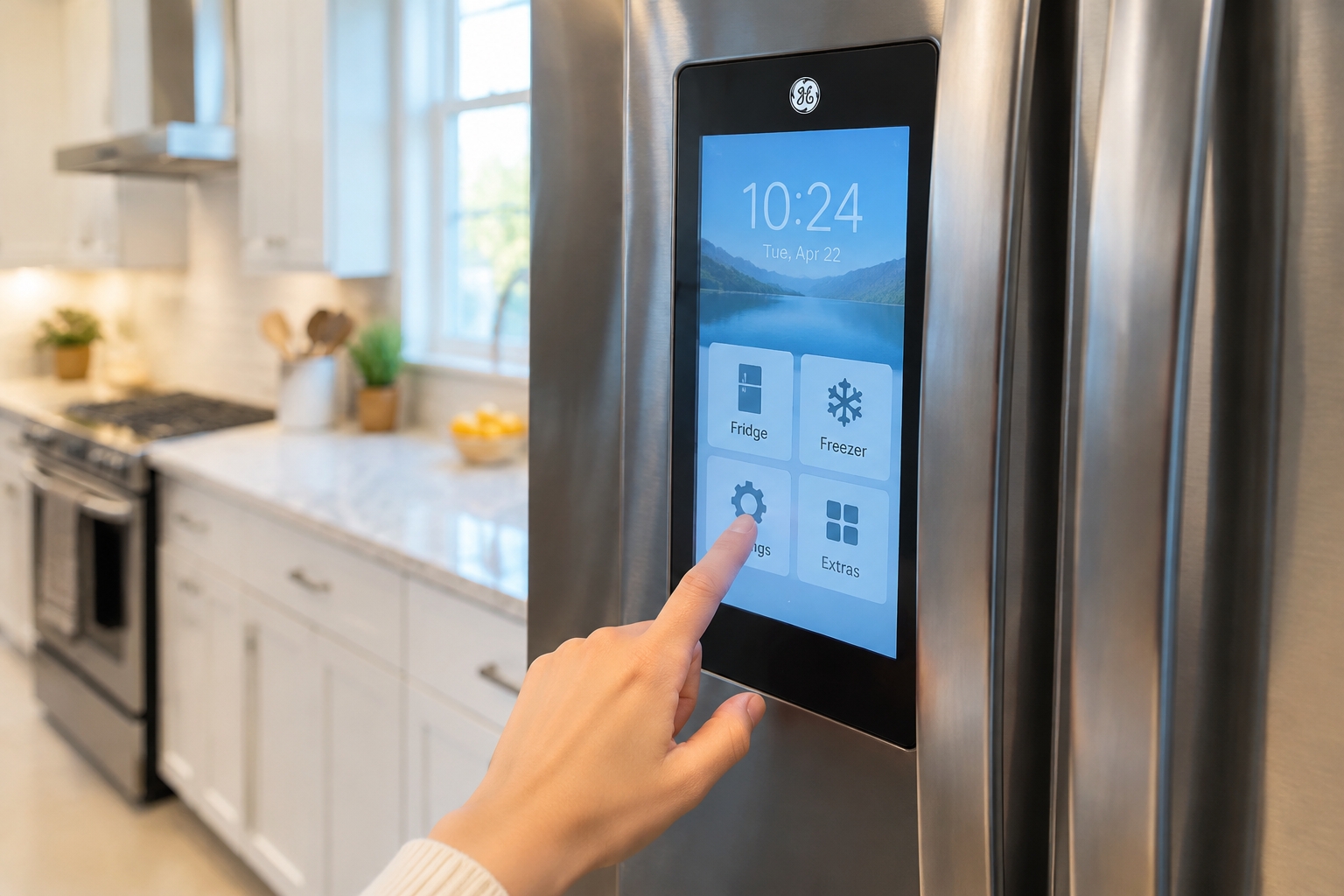
In short: on standard GE panels, hold the Reset Water Filter pad (or Water + Ice together) for about 3 seconds until the light blinks; on touchscreen Profile/Café models the reset is in Settings. But GE is the one brand where “reset” splits into two entirely different mechanisms: regular XWFE-family filters need a manual reset, while RPWFE filters carry an RFID chip that the fridge reads automatically. Confusing the two mechanisms is why a Reddit thread sits at the top of Google for this question — so this page handles both, explicitly.
If your model uses the RPWFE cartridge (typical on Profile and Café lines), read the auto-detect section before you go hunting for buttons that do not apply to you.
Top Picks at a Glance (2026)

The reset only clears the reminder — these are the three GE-family cartridges to have on hand before the next light:
| Pick | Product | Why it wins |
|---|---|---|
| Best for 2020+ models | XWFE 3-Pack | Three current-generation cartridges — 18 months of reminders answered in one order. |
| Best for pre-2017 side-by-sides | MWF-compatible cartridge | The classic twist cartridge for the installed base of older GE bays. |
| Best for RPWFE bays | RPWFE-compatible cartridge | The chip-reading platform cartridge; NSF 42/53 + 401-listed claims for the premium French-door generation. |
Quick Answer: Match Your Filter First, Then Your Panel
| You have… | Reset mechanism | Action |
|---|---|---|
| XWFE / XWF / MWF cartridge | Manual timer reset | Hold Reset Water Filter pad ~3 sec, or Water + Ice together ~3 sec |
| RPWFE cartridge (Profile/Café) | RFID auto-detect — no manual reset | Install cartridge; wait ~30 sec for the fridge to read the chip |
| Touchscreen panel (Profile/Café) | On-screen menu | Settings → Filter → Reset (see our Profile/Café page) |
Success looks like: the filter icon blinks and returns to green/blue, or the “replace filter” message clears.
The Two Mechanisms, Explained
Mechanism 1: Manual Timer (XWFE, XWF, MWF)
Most GE fridges track filter life with a six-month countdown. The cartridge is a passive chunk of carbon — the fridge has no idea whether it is new or five years old. After you swap it, the countdown must be cleared by hand:
- Install the new filter (twist-lock, lower-left front corner on most models).
- Locate the reset control on the dispenser panel. Depending on generation it is labeled Reset Water Filter, or the reset is triggered by holding Water + Ice (some panels: Lock + Ice Type) together.
- Hold for ~3 seconds until the filter status blinks and resets.
- No dedicated pad and no response from combinations? Your model may genuinely lack a reset pad — GE’s own support notes some bottom-freezer models have none, and the light clears on its own schedule. Check your model’s owner documentation via GE’s support search.
Mechanism 2: RFID Auto-Detect (RPWFE)
RPWFE cartridges contain an RFID chip. When installed, the fridge reads the chip and updates the filter status itself within roughly half a minute. There is nothing to press — that is the entire point of the chip.
Which creates two failure modes the manual-reset crowd never hears about:
- The chip is not being read → status does not update even though the filter is genuine and new.
- A non-chipped cartridge is installed (some third-party RPWFE substitutes) → certain GE models display “Prior filter detected” or refuse to track filter life at all.
If the auto-detect fails: power the fridge down 5 minutes, reseat the cartridge firmly (the chip contacts are in the head), wipe the cartridge top dry, and reinstall. Persistent failure with a genuine cartridge means the reader or the board — service territory. For third-party cartridge behavior on chip-reading models, we keep a dedicated page: GE XWFE vs. RPWFE and the chip question.
Why Reddit Ranks #1 for This Question
The top result for “reset GE refrigerator water filter” is a Reddit thread titled “Does anyone know how to reset GE Profile…” — a Profile owner following standard-panel instructions that do not apply to a touchscreen, RFID-reading model. The most-visible guide online tells you a lot about the state of the content out there: the instructions are fragmented by panel and by filter generation, and nobody assembled them.
That fragmentation is also why this page exists. The panel matrix:
| Panel type | Found on | Reset path |
|---|---|---|
| Standard pads | Most GE / Hotpoint models | Reset Water Filter pad ~3 sec, or Water + Ice combo |
| Profile touchscreen | GE Profile French door | Settings → Filter → Reset |
| Café touchscreen | Café brand models | Same family path — Café guide |
Hotpoint owners: Hotpoint is GE’s value brand and uses the same MWF-era hardware and panels — the standard-pad instructions apply.
The XWFE Family Trap: One-Way Compatibility
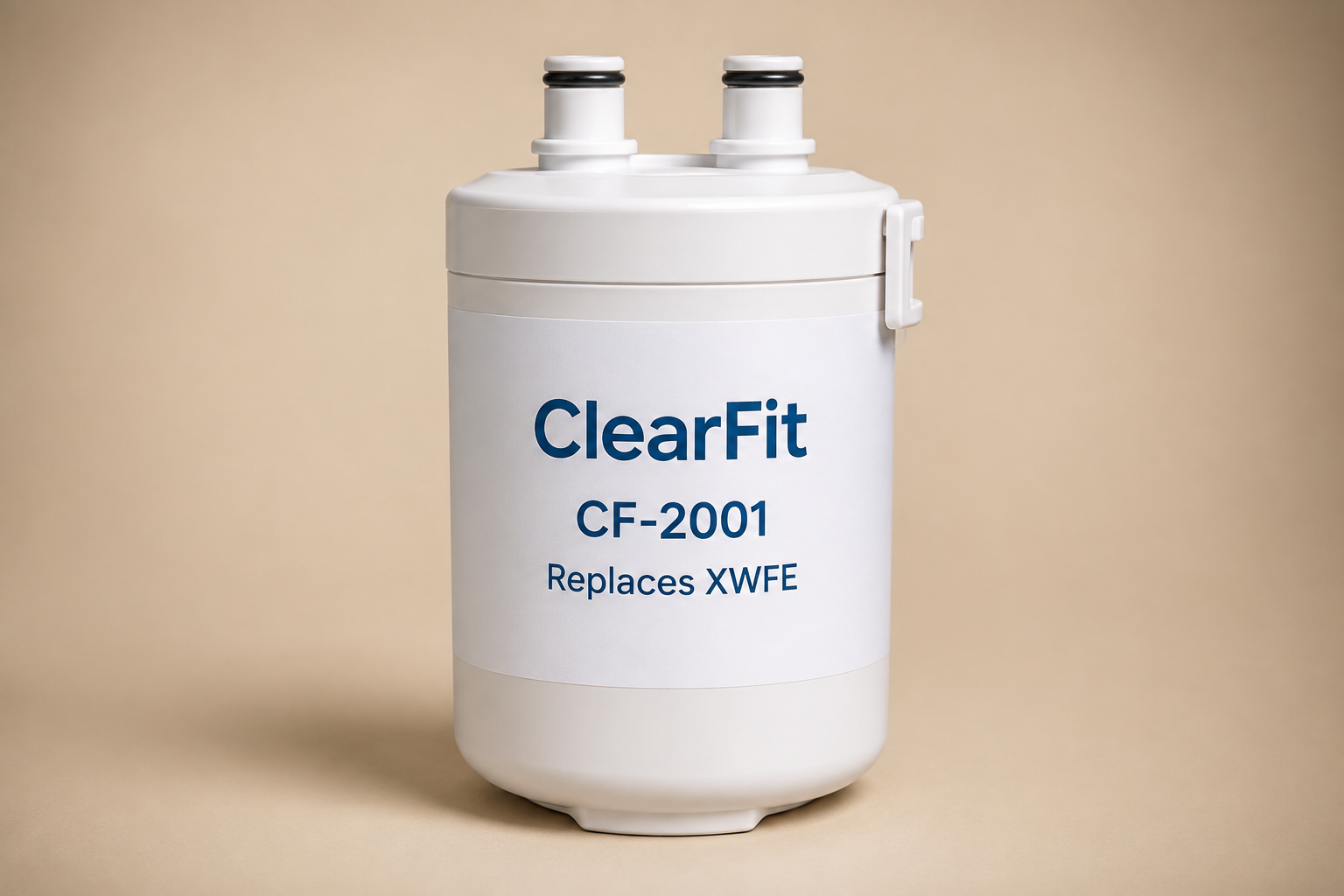
While you are resetting, make sure the cartridge you installed is actually the right one, because GE’s XWFE/XWF/MWF generations look nearly identical:
- XWFE replaces XWF (newer cartridge works in older housing) — but XWF does not replace XWFE (older cartridge lacks what the newer housing needs). The swap is one-directional.
- RPWFE is not interchangeable with XWFE at all — different housing, plus the chip.
Full decision tree with model numbers: How to Replace a GE Refrigerator Water Filter.
The Reset Won’t Stick: Four Causes
- RPWFE owner running manual instructions (or vice versa). Match your cartridge first — see the top table.
- Hold too short / combo on a locked panel. Three seconds, and unlock the control lock first if your panel shows a lock icon.
- Panel frozen. Breaker off 5 minutes, retry.
- Cartridge not fully locked in. Twist until it stops; the switch in the head must close. Reseat and reset again.
All-brands version of this tree: filter light stays on after replacement.
Cartridge Prices, Because the Reset Recurs Every Six Months
| Cartridge | OEM price (single) | Notes |
|---|---|---|
| MWF | ~$45–55 | Older twist-lock generation |
| XWFE | ~$52.99 | Current standard; replaces XWF (one-way) |
| RPWFE | ~$60+ | RFID chip; Profile/Café lines |
Compatible-cartridge notes we consider essential disclosure: third-party XWFE-style cartridges carry NSF 42 (standard) or 42+53 (premium) certification versus the OEM’s fuller 42/53/401 — and on RPWFE machines, non-chipped compatibles interact with the chip reader as described above, so read the product page carefully before choosing that route. Our XWFE deep-dive covers both questions in detail.
FAQ
How do I know if my GE takes XWFE or RPWFE? Check the model number against GE’s filter finder, or read the old cartridge’s label. RPWFE machines are concentrated in Profile and Café lines. The replacement guide has the model-decade table.
My GE has no reset button and the light has been on for a year. Is that normal? Some bottom-freezer models have no reset pad at all, per GE’s own support notes. If yours is one, the light is cosmetic — track replacement dates yourself (printable schedule).
Does holding reset without replacing the filter do anything? It clears the countdown only. The carbon does not care about the display — see what happens when you run a filter too long.
After power outage the filter light is on. Did the outage break it? Outages can corrupt the timer state. Run your model’s reset sequence; if it responds, done. If the whole panel misbehaves, the 5-minute power-down fixes most post-outage weirdness.
Can I use XWFE in my RPWFE fridge to save money? No — different housing; it will not seat. The chip question applies only within RPWFE-compatible options: GE XWFE vs. RPWFE.
What This Page Gives You That the Others Don’t
- The two-mechanism split stated up front — manual timer vs. RFID auto-detect — which is the root cause behind the Reddit thread ranking #1 for this query.
- Panel matrix with Profile/Café touchscreen paths, not just the standard pad.
- RPWFE read-failure fixes (reseat, dry contacts, power cycle) that manual-reset guides never cover.
- The XWFE one-way compatibility rule so the reset is not masking a wrong-cartridge install.
- Honest cartridge pricing including the RFID premium, plus certification tiers stated per SKU.
Sources & References
- GE Appliances support content: filter status reset steps (contentId 17040/22067) and the note that certain bottom-freezer models lack a reset pad.
- GE cartridge documentation: XWFE/XWF compatibility direction, RPWFE RFID platform.
- Reddit r/Appliances “Does anyone know how to reset GE Profile” thread — last checked August 2026.
Related Guides
- How to Replace a GE Refrigerator Water Filter
- GE XWFE Filter Installation & the RFID Question
- GE Profile / Café Water Filter Reset
- Filter Light Stays On After Replacement — All Brands
- GE Water Filter Bypass Plug Guide
Find your replacement: GE refrigerator water filters · XWFE – exact-fit chart