How to Reset a Samsung Refrigerator Water Filter (Every Panel Type, Including Family Hub)


In short: hold the Filter Reset button on your dispenser panel for 3 seconds until the indicator light blinks or turns off. If your Samsung has a Family Hub screen, the reset lives in a menu instead: Apps → Fridge Manager → Fridge Settings → Water Filter → Reset. There is no water-quality sensor involved — you are clearing a six-month countdown timer, and the exact button sequence depends on which of the four panel generations your fridge has.
Most guides show you one panel and stop there. Samsung’s own support page splits the instructions across four model families, and the top-ranking forum threads are all from owners whose panel does not match the instructions they found. This page covers all four panel types on one page, explains what the light actually measures, and tells you what to do when a reset simply will not stick.
Top Picks at a Glance (2026)

If the reset is because you just fitted a new cartridge, these are the spec-sheet picks worth having on hand before the next light:
| Pick | Product | Why it wins |
|---|---|---|
| Best overall | HAF-CIN-compatible cartridge | Fits the widest slice of modern Samsung French-door and four-door models, NSF 42/53, 300-gallon rating. |
| Best for older French doors | HAF-QIN-compatible cartridge | The slim variant for QIN housings, where a CIN cartridge will not seat; same carbon block spec. |
| Best value | HAF-CIN 3-Pack | Three cartridges for the price-sensitive path, covering 18 months at the six-month cadence. |
Quick Answer: Which Reset Method Fits Your Fridge?
| Your Samsung panel | Reset method |
|---|---|
| Standard touch panel with a Filter Reset button | Press and hold Filter Reset for 3 seconds |
| Family Hub touchscreen (screen on the door) | Apps → Fridge Manager → Fridge Settings → Water Filter → Reset |
| Panels with arrow buttons (older French door models) | Arrows → More Options → Filter Reset |
| RF4289 / RSG309 models | Settings → Water Filter → hold Reset until the status changes |
A successful reset ends with the filter icon returning to its “good” state — usually blue, or the words “Replace Filter” clearing from the display.
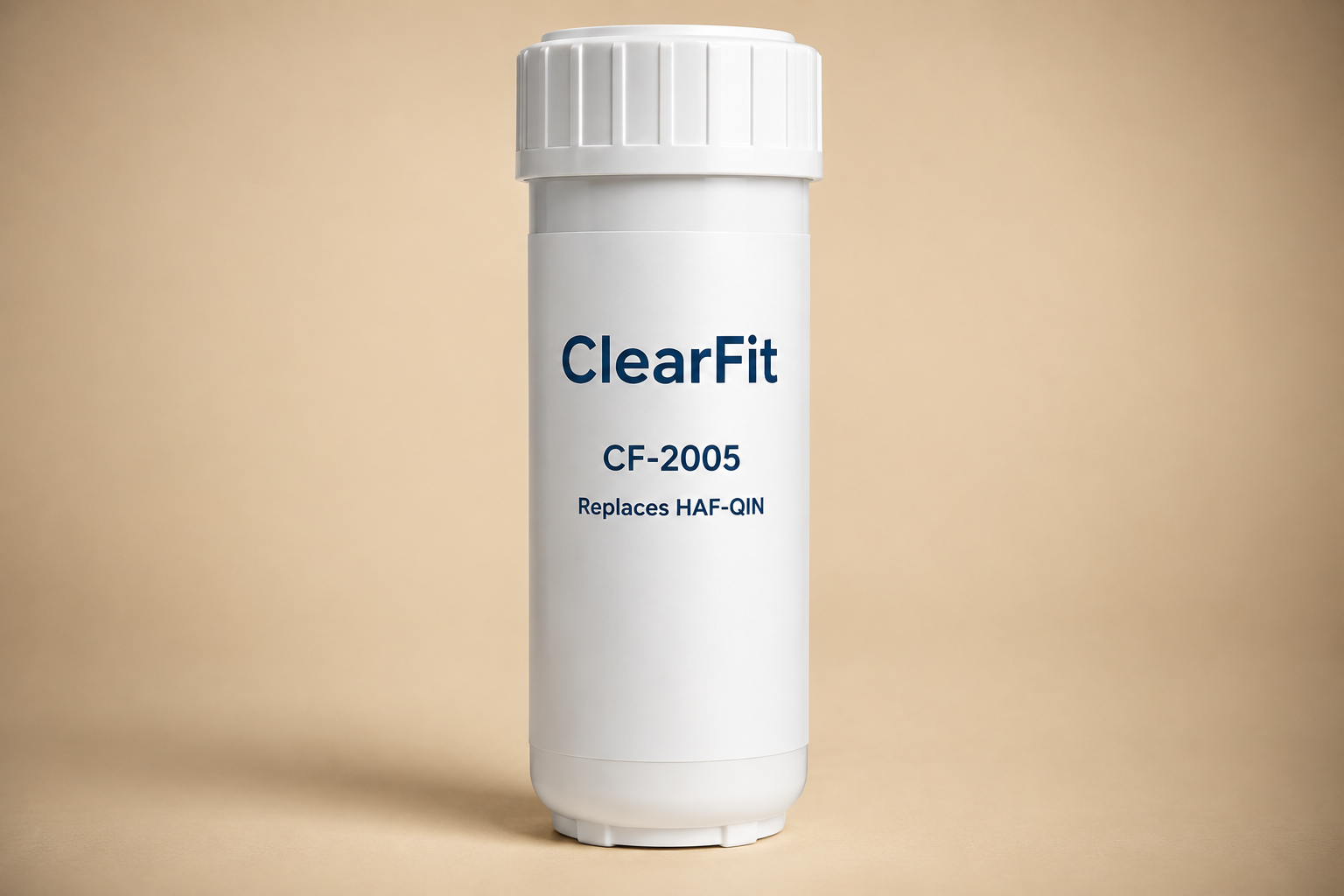
If the reset follows a fresh cartridge install, the XWFE-compatible ClearFit cartridge drops in with the same twist-lock fit and NSF ratings as OEM at roughly 70% less.
Why the Light Came On in the First Place
The Samsung filter indicator runs on a six-month timer, not a water sensor. The day you installed (or factory-reset) the fridge, a countdown started. When it hits zero, the light comes on — even if your water is pristine and the filter is fresh.
This has a practical consequence that Samsung states directly in its own support documentation: if the dispensing speed changes noticeably with and without the filter, replace the filter regardless of what the light says. The light tracks time; your flow rate tracks the actual condition of the carbon block. Trust the flow rate first.
It also means the reverse is true. If you replaced the filter early and skip the reset, the countdown keeps running and the light will come on again in a few weeks even though your filter is nearly new. Reset every time you replace — no exceptions.
Step-by-Step for Each Panel Type
1. Standard Touch Panel (Filter Reset Button)
This is the most common setup on current Samsung French door and side-by-side models. The button sits on the dispenser panel, usually bottom-left or bottom-right.
- Replace the filter first (the reset only makes sense after a new filter is in — see the part-number table below).
- Locate Filter Reset on the dispenser panel.
- Press and hold for 3 full seconds. One Mississippi, two Mississippi, three. Owners routinely release at two seconds and assume the reset failed — hold it.
- Watch for the confirmation: the filter icon blinks, changes color, or the status text clears.
2. Family Hub Touchscreen Models
Family Hub refrigerators have a full screen on the right door, and the reset is buried two menus deep:
- Tap Apps on the Family Hub home screen.
- Open Fridge Manager.
- Tap Fridge Settings.
- Select Water Filter.
- Tap Reset and confirm.
If you cannot find Fridge Manager, the firmware may have moved it — try a software update (Settings → About → Software Update) before assuming anything is broken.
3. Older Panels with Arrow Buttons
Some mid-generation Samsung models use arrow keys to move through menus rather than direct buttons:
- Use the arrows to move to More Options.
- Select Filter Reset.
- Confirm when the status changes.
4. RF4289 and RSG309 Specifically
These two models get their own line in Samsung’s official instructions, which tells you how often they confuse people:
- Open Settings on the panel.
- Tap Water Filter.
- Hold Reset until the status changes — this one is a press-and-hold, not a tap.
The Reset Won’t Stick? Four Causes, in Order of Likelihood
We maintain a full diagnostic page for the “light stays on after replacement” problem, but here is the short version:
- The button hold was too short. Three seconds means three seconds. On some panels it is closer to five. Repeat the sequence and count out loud — this fixes the majority of cases.
- You reset the wrong indicator. Some Samsung models show a separate ice-maker filter or water-line status. Make sure the icon you are clearing is the water filter icon (it usually shows a filter cartridge or droplet-with-filter symbol), not an icemaker alert.
- The control panel is frozen. Power-cycle the fridge: unplug (or trip the breaker) for 5 minutes, then retry the reset sequence. A soft-frozen panel ignores button input but comes back after a full power drain.
- The filter is not seated. If the housing detects an incomplete twist-lock, some panels refuse the reset. Pull the filter, reseat it until the lock symbol aligns with the indicator line, and try again.
For the deeper version — including which Samsung models read filter identity and what that means for third-party cartridges — see our guide on the Samsung filter light staying red after replacement.
Resetting Is Step Two. The Filter Is Step One.
A reset without a fresh filter is just silencing an alarm. Samsung refrigerators in North America use three cartridge families:
| Filter family | Typical models | OEM price (single) | ClearFit compatible |
|---|---|---|---|
| HAF-QIN | Current French door, Family Hub, Bespoke | ~$44.99–49.99 | Yes — $17.99 (NSF 42) |
| HAF-CIN / HAFCU1 | Prior-generation French door & side-by-side | ~$45–55 | Yes — $17.99 (NSF 42) |
Two honest notes on that table. First, Samsung’s official cartridges carry NSF 42, 53, and 401 certification; our standard compatible line carries NSF 42, and our premium line adds NSF 53. Second, Samsung’s own support page warns that third-party filters “may cause leaks and potentially damage your refrigerator” — that is the company line, and you should weigh it against the fact that Samsung also sells the replacement cartridges. Our take: buy whichever tier matches your water-quality concerns, but buy from a seller who publishes the NSF test scope rather than one who prints a generic “fits all” badge.
Full compatibility detail is in our Samsung filter replacement guide, including how to read the part number off your old cartridge before ordering.
FAQ
Do I need to reset after installing a third-party filter? Yes. The timer does not know or care whose cartridge is inside — it counts six months from the last reset. Third-party or OEM, reset after every change.
I held the button and nothing happened. Is my panel broken? Probably not. Try the 5-minute power cycle described above, then retry with a longer hold. Only if the panel ignores all other buttons too (temperature, ice type) should you suspect the control board.
What is the difference between a flashing filter light and a solid one? On most Samsung panels, a flashing light during or right after your reset attempt means the panel received the command and is confirming. A solid light that never changes usually means the reset never registered — see the four causes above.
Will resetting without changing the filter damage anything? No. The timer is just a timer. But you are now drinking on an expired carbon block, and carbon that has stopped adsorbing chlorine can also shed what it has collected. The reset is free; the filter is what protects you.
Does the fridge need to be powered on the whole six months for the timer to be accurate? Samsung does not publish the timer’s behavior during power loss. Treat the light as a reminder, not an instrument — if the fridge was unplugged for a long move, set your own six-month clock from the filter install date.
What This Page Gives You That the Others Don’t
- All four official Samsung panel paths on one page — Samsung’s support site splits them across model families.
- The timer mechanism explained: the light tracks time, not water quality, and Samsung’s own documentation says to judge by flow rate instead.
- The RF4289/RSG309 exception called out by model number, because those two confuse every generic guide.
- A four-cause troubleshooting tree ordered by likelihood, with the power-cycle fix that forum threads take days to arrive at.
- A cartridge table with real prices and honest NSF tiers — no pretending a $17.99 cartridge carries certifications it does not have.
Sources & References
- Samsung official support: “How to replace the water filter in a Samsung refrigerator” (ANS10005090) — reset paths for all four panel types and the six-month timer statement.
- Samsung filter family identification (HAF-QIN / HAF-CIN / HAFCU1), same page.
- Community reports on panel-specific reset failures, r/Samsung and community.samsung.com threads documented in community discussions.
Related Guides
- How to Replace a Samsung Refrigerator Water Filter
- Samsung Filter Light Still Red After Replacement
- Filter Light Stays On After Replacement — All Brands
- How Long Should a Refrigerator Water Filter Last?
- How Often to Change a Refrigerator Water Filter
Find your replacement: Samsung refrigerator water filters · DA9717376B – exact-fit chart