Samsung Refrigerator Water Filter Light Stays Red After Replacement (5 Real Causes, Ranked)


In short: a red filter light that survives a filter change almost always means the reset never registered — not that the new filter is bad. Re-run the correct reset sequence for your panel (hold Filter Reset 3 seconds; Family Hub models go Apps → Fridge Manager → Fridge Settings → Water Filter → Reset), and if the light still will not clear, work through the five causes below in order. On a small minority of Samsung models the cartridge itself is the problem, and we will show you how to tell which situation you are in.
The frustrating part of this problem is that every guide gives you the happy path. You replaced the filter, you held the button, and the light ignored you. This page is for what happens after that — the diagnostic, ordered by how often each cause actually turns up.
Top Picks at a Glance (2026)

A red light that survives the reset means either the housing did not read a new cartridge or the old one is genuinely due. The three Samsung picks:
| Pick | Product | Why it wins |
|---|---|---|
| Best overall | HAF-CIN 3-Pack | The default Samsung French-door cartridge at 300-gallon rated life; three per order for the reminder-prone. |
| Best for slim QIN bays | the slim-bay HAF-QIN cartridge | Where the CIN cartridge will not seat, QIN is the correct housing match; same NSF 42/53 claim set. |
| Best heavy-use supply | HAF-CIN 6-Pack | Six 300-gallon cartridges — two years of the widest Samsung footprint at pack pricing. |
Quick Answer: What the Light Colors Mean on a Samsung
| Light state | Meaning | First action |
|---|---|---|
| Green / blue / off | Filter life OK | Nothing |
| Yellow / orange | Filter approaching end of six-month countdown | Order a cartridge, replace soon |
| Red, solid | Countdown expired — timer only, not a water-quality alarm | Replace filter, then reset |
| Red, still on after new filter + reset attempt | Reset did not register, or one of the 5 causes below | Work this page |
The single most important fact: the red light is a clock, not a sensor. Samsung’s indicator counts six months from the last reset. It cannot taste your water. That is why a fresh cartridge can sit inside a fridge that still shows red — the clock was never cleared.
Cause 1: The Reset Sequence Was Not the One Your Panel Uses
Samsung ships at least four panel generations, and the reset method is different in each:
- Standard touch panel: hold Filter Reset 3 seconds.
- Family Hub screen: Apps → Fridge Manager → Fridge Settings → Water Filter → Reset.
- Arrow-button panels: arrows → More Options → Filter Reset.
- RF4289 / RSG309: Settings → Water Filter → hold Reset until status changes.
If you held a button that is not your panel’s reset control, nothing happens and nothing is broken. Full walkthrough with panel photos described: How to Reset a Samsung Refrigerator Water Filter.
Two sub-traps inside this cause:
- Holding too briefly. Three seconds is the spec; many owners release at one-and-a-half. Count it out.
- Child lock or panel lock is active. A locked panel swallows button presses silently. Look for a small lock icon on the display and unlock it (usually hold the Child Lock button 3 seconds) before resetting.
Cause 2: You Cleared the Wrong Indicator
Some Samsung models display more than one status light — a water filter light and an icemaker or water-line alert. If you reset the icemaker alert, the water filter light stays red forever because you never touched it. Check the icon shape next to the red light: the water filter icon is a cartridge or droplet-over-filter symbol. If you are not sure which light is lit, that ambiguity itself is the answer — check your model’s manual for the panel legend.
Cause 3: The New Filter Is Not Fully Seated
On twist-lock cartridges (HAF-QIN, HAF-CIN, HAFCU1), the housing needs the cartridge rotated until the lock symbol aligns with the indicator line on the filter head. If the cartridge stops a quarter-turn short:
- water may still flow (so the fridge “works”), but
- some panels refuse to clear the filter status because the switch in the filter head never closes.
Fix: remove the cartridge, check that the protective cap and any shipping plug is off, reinsert, and rotate until it stops firmly with the lock mark aligned. Then run the reset again.
Cause 4: The Control Panel Needs a Power Cycle
Touch panels freeze the way phones do. A frozen panel displays everything normally but ignores input — which looks exactly like “reset won’t work.”
- Unplug the fridge or trip its breaker.
- Wait 5 full minutes (this drains the control board, not just the display).
- Power back up, wait for the panel to initialize.
- Run the reset sequence again.
This fixes a surprising share of stuck lights, and it costs nothing. If the panel also ignores temperature or ice-type buttons after the power cycle, the control board itself is the patient — time to call service.
Cause 5: Cartridge Recognition on Certain Models
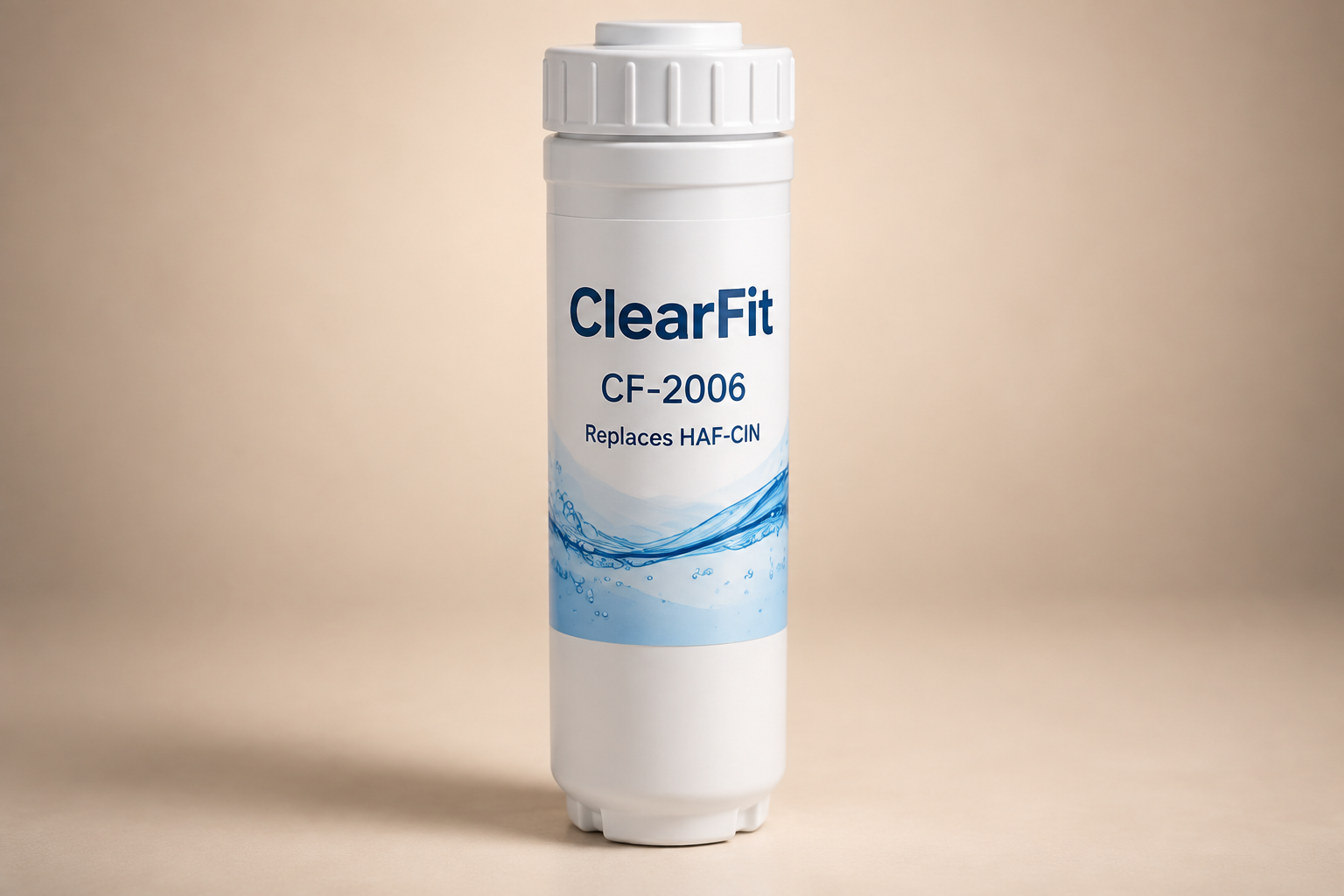
Here is where honest information gets scarce, so we will be careful. A limited number of newer Samsung models interact with the filter more actively than a simple timer — community threads report “check filter” or persistent alerts with some third-party cartridges on these units, while the majority of Samsung models are pure timers that accept any cartridge. Samsung’s official position is to use genuine cartridges only.
Practical decision rule:
- If the light never responds to any reset attempt on any cartridge, and the power cycle did nothing → suspect the panel/board (Cause 4 escalation).
- If the reset works with a genuine cartridge but not with the third-party one you just installed → your model is one of the recognizing units. Your options: run a genuine cartridge, or run a compatible cartridge and treat the red light as cosmetic (the water is filtered; the timer simply was not cleared) — with the caveat that you must track replacement dates yourself. Our replacement schedule page exists partly for exactly this situation.
The Reinstall Checklist (Do This Before Anything Else)
When a red light survives a new filter, run this 90-second sequence before deep diagnosis:
- Power off at the breaker, 5 minutes, power on. (Clears Cause 4.)
- Unlock child lock if present. (Clears half of Cause 1.)
- Remove and reseat the cartridge to the lock line. (Clears Cause 3.)
- Run your panel’s exact reset sequence, held for a slow three-count. (Clears the rest of Cause 1.)
- Confirm you are resetting the water filter icon, not an icemaker alert. (Cause 2.)
If all five steps complete and the light is still red, you are in Cause 5 territory or the panel needs service — and at least you know which.
Which Cartridge Should Be In There Anyway?
While you have the filter out for reseating, read the part number off the cartridge cap — HAF-QIN, HAF-CIN, or HAFCU1. Ordering by fridge model number alone is how people end up with the wrong cartridge generation:
| Cartridge | Fits | Typical OEM price | ClearFit price |
|---|---|---|---|
| HAF-QIN | Current-generation French door / Family Hub / Bespoke | ~$44.99–49.99 | $17.99 |
| HAF-CIN / HAFCU1 | Prior-generation French door, side-by-side | ~$45–55 | $17.99 |
Samsung’s genuine cartridges carry NSF 42/53/401 certification. Our compatibles carry NSF 42 (standard) or NSF 42+53 (premium). We publish the tiers because you should know what you are buying — see the full comparison in the Samsung replacement guide.
FAQ
Can I just leave the red light on if the water tastes fine? You can — the light is a timer, and the water may genuinely be fine. But a permanently red display trains you to ignore it, and the day it means something real you will not look. Better: fix the reset, or track dates on a printed replacement schedule.
Why did the light turn red two months after I replaced the filter? Either the reset was never done (the old countdown kept running), or someone power-cycled the fridge and the timer resumed from where it was. Replace-and-reset as one single action and it cannot desync.
Does a red filter light affect water pressure or the ice maker? No. The light has no connection to water flow. If pressure or ice production dropped at the same time, that is a separate problem — usually a clogged cartridge or an air lock — covered in our post-replacement troubleshooting guide.
The light is red but I never use the dispenser, only ice. Does the filter still expire on schedule? Yes — the timer runs regardless of usage, but actual filter life depends on total water processed, ice included. See how long a filter actually lasts for the four variables that shorten or extend real life.
What This Page Gives You That the Others Don’t
- Five causes ranked by real-world frequency, not a flat bulleted list.
- The timer-not-sensor mechanism stated up front, from Samsung’s own documentation.
- The 90-second reinstall checklist that clears four of the five causes in order.
- An honest, carefully-worded account of cartridge recognition on the small set of recognizing models — including the “run it as cosmetic” decision with its trade-offs, which no vendor page will tell you.
- The wrong-indicator trap (water filter vs icemaker light) that generic guides never mention.
Sources & References
- Samsung official support ANS10005090: panel-specific reset paths, six-month timer statement, cartridge families.
- community.samsung.com “Cannot reset filter indicator” threads and r/Appliances posts covered in community discussions (panel-generation confusion, power-cycle fixes).
- Third-party cartridge recognition reports: aggregated community evidence, labeled as such above.
Related Guides
- How to Reset a Samsung Refrigerator Water Filter
- How to Replace a Samsung Refrigerator Water Filter
- Filter Light Stays On After Replacement — All Brands
- Water Filter Not Working After Replacement
- Refrigerator Water Filter Replacement Schedule
Shop this guide: Samsung refrigerator water filters · DA9717376B – exact-fit chart